
Everything the platform does, in one place.
Where each part shows up.
The same data reaches people in different places: managers at a desk, owners on their phone, and clients who prefer a chat.
In the web portal
- Live map, history and geofences
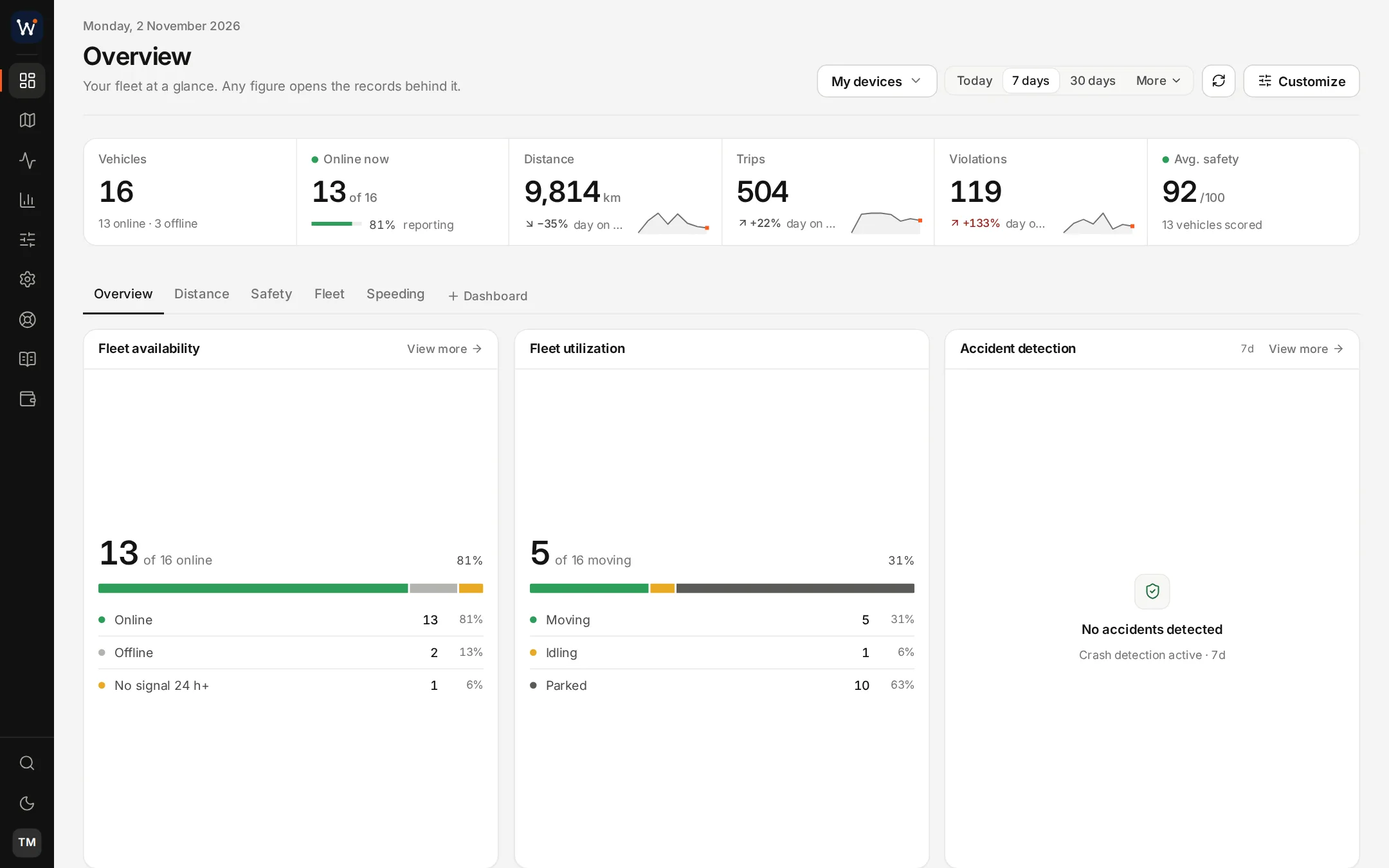
- Dashboards for overview, safety and speeding
- 29 reports and the event log
- Cameras, fuel, sensors, CANbus and tachograph
- Dispatch, assets, maintenance and drivers
- Users, client accounts and an audit log
In the Fleet app
- Vehicles live on a map
- Trips replayed by day
- Camera photos, clips and live view
- Fuel levels and sensor readings
- Alerts, commands and shared links
On WhatsApp
- A client's devices and where they are
- Dashcam footage on accounts with cameras
- Support tickets, opened and followed
- Billing questions
- The clip offered after a dashcam alarm
Behind the scenes
- Billing: quotes, invoices, statements, payments
- A support desk with a knowledge base
- The WhatsApp menu builder
- REST API, API keys and signed webhooks
- A catalogue of partner apps
Module by module.
Follow any link for the detail: what the feature does, the screens involved and how it connects to the rest.
Tracking
On the vehicle
Safety and reporting
14 modules you can switch on or off.
These are the switches on your server. Turn on the ones you sell, leave the others off, and change the selection whenever your offer changes.
Sensors & Beacons
Temperature, humidity and movement from BLE sensors, plus beacon signal and battery.
Fuel Sensors
Tank levels in litres, refills, consumption and alerts on sudden drops.
CANbus Data
Engine readings, fault codes and odometer straight from the vehicle bus.
Cameras
Live road and cabin video, photos, footage requests and alarm clips.
Driver Manager
Driver records, who may drive what, sign-in and behaviour scores.
Assets
Vehicles and equipment with their trackers, documents and expiry dates.
Maintenance
Services due by distance or date, with overdue work flagged.
Traffic Intelligence
Speed cameras, road limits and traffic layers, with speeding alerts.
Calendars
Working hours and calendars that decide when alerts and reports apply.
Trip Logbook & Private Use
Business and private trips for tax records, with a privacy mode.
Dispatch & Proof of Delivery
Jobs, routes, driver links, customer tracking and proof of delivery.
Tachograph
Stores tachograph card and unit files, tracks due dates and checks hours.
App Catalogue
Partner apps your clients can add, some with single sign-on.
Manufacturer Vehicle Data
Odometer, fuel and service data from the car maker via High Mobility.
From order to first client in four steps.
- Step 1
Order your server
Choose a plan by the number of devices you track, add the Fleet app if you want it, and pay the first month online.
- Step 2
We build and brand it
Your dedicated server is set up with your logo, colours and domain, normally within a day.
- Step 3
Point your trackers at it
Configure devices from the 4,800 supported types to report to your server's tracker ports.
- Step 4
Sign up clients and bill them
Create accounts for your customers, give them the Fleet app, and raise their invoices from the platform at the rates you decide.
Put your name on a complete tracking service.
Your own server, your branding and the modules you choose, normally handed over within a day of ordering.